Creating a Google Gemini Gem
Preamble
Google Gemini Gems are useful to createdefine repeatable tasks, and to set rules for Gemini to stick to that are reusable for multiple chats/conversations.
Quick Links
| View Your Gems | https://gemini.google.com/gems/view |
| Create a New Gem | https://gemini.google.com/gems/create |
Creation
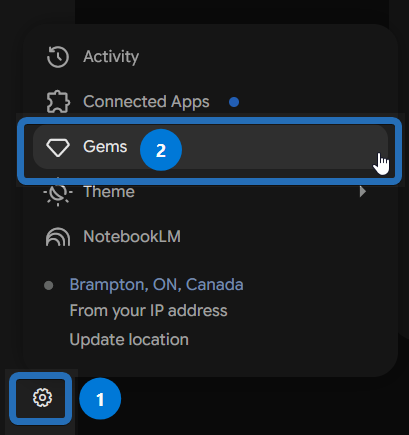
1. To create a Gem, start by clicking on the Cog/Gear ( 1 ) icon in the bottom right corner of the Gemini App, and then click on the Gems option ( 2 ):
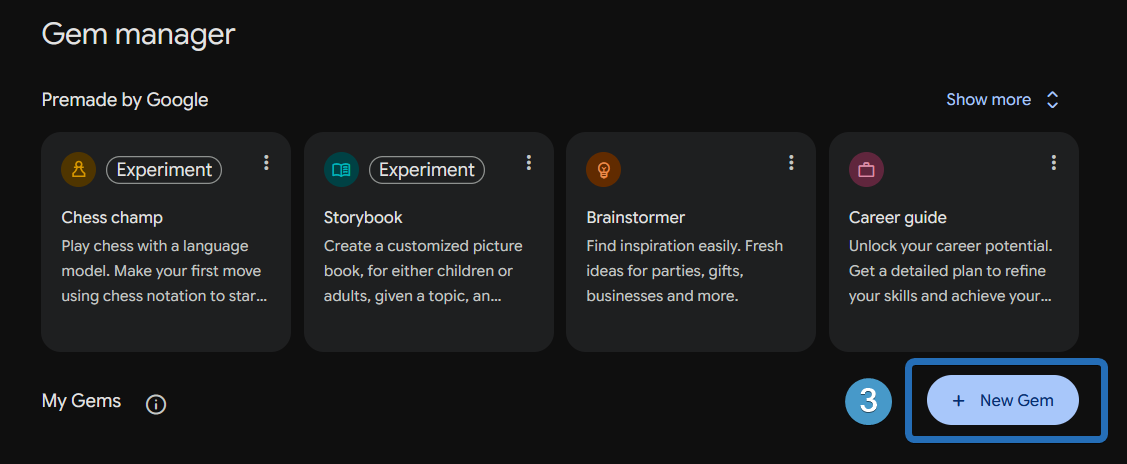
2. To the right of the My Gems heading, click on the New Gem button ( 3 ):
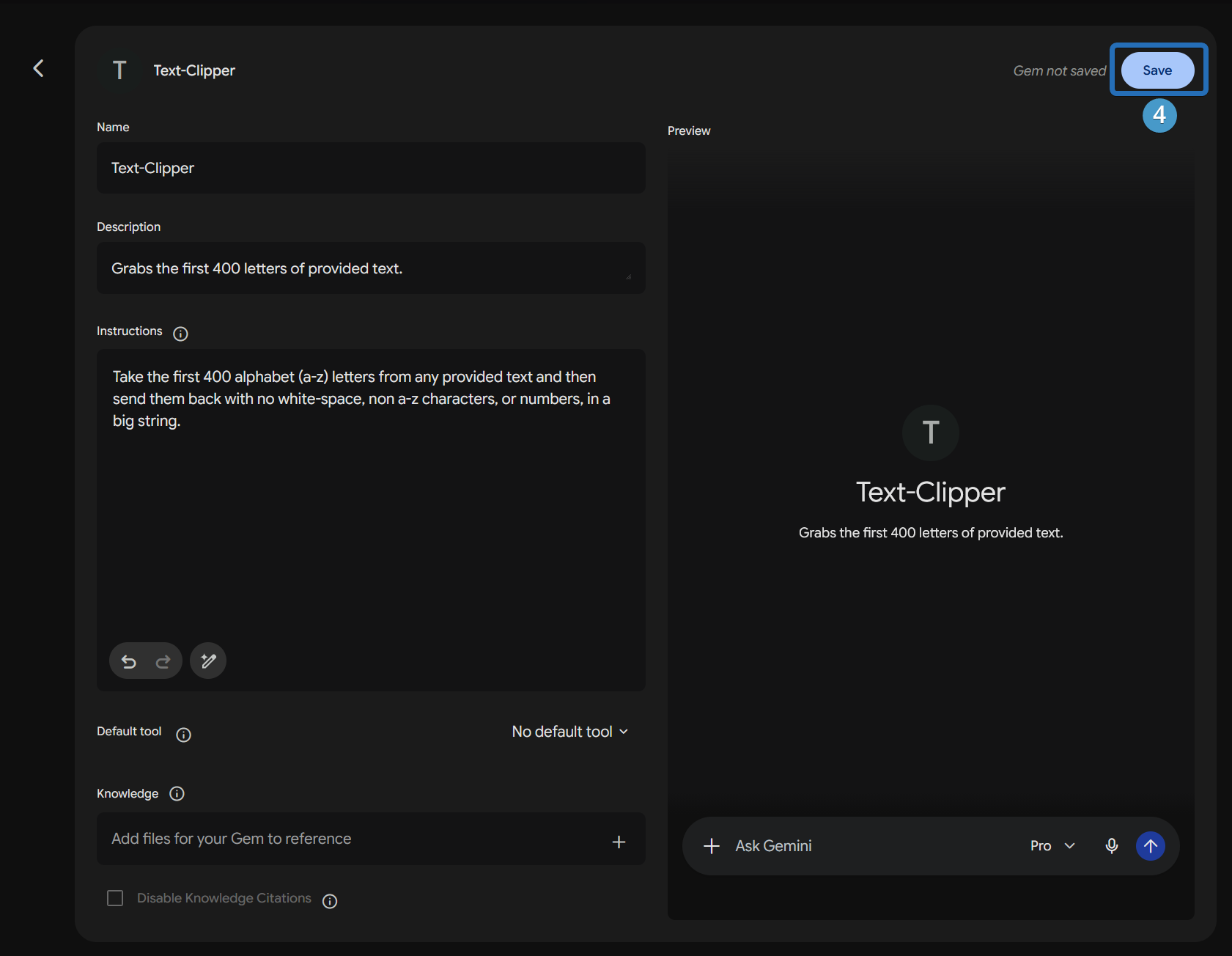
3. Now you can create your Gem, and provide the instructions that Gemini follow for any interactions with/using this Gem, and save it by clicking the Save button ( 4 ):
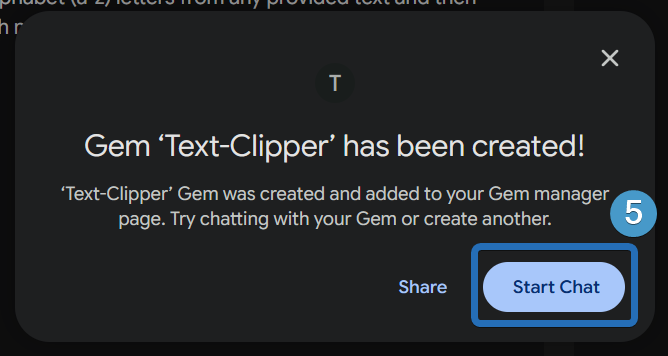
4. You now can start chatting with this Gem via the Start Chat button ( 5 ), or share it with other employees: